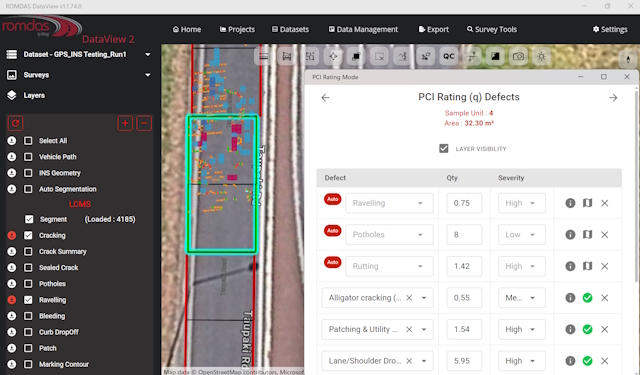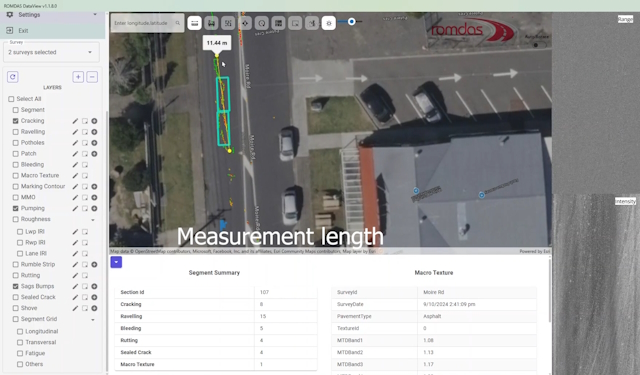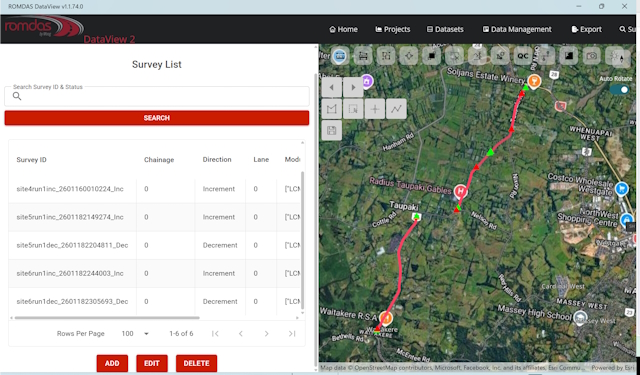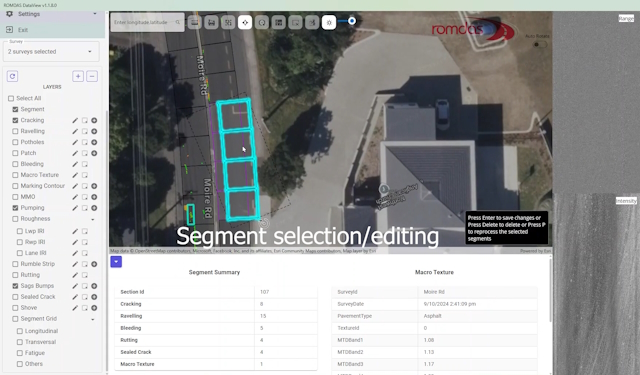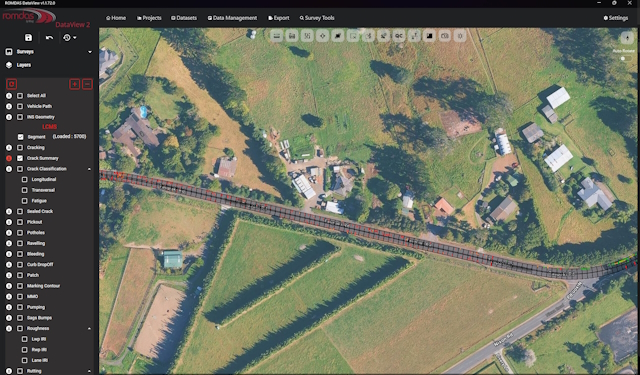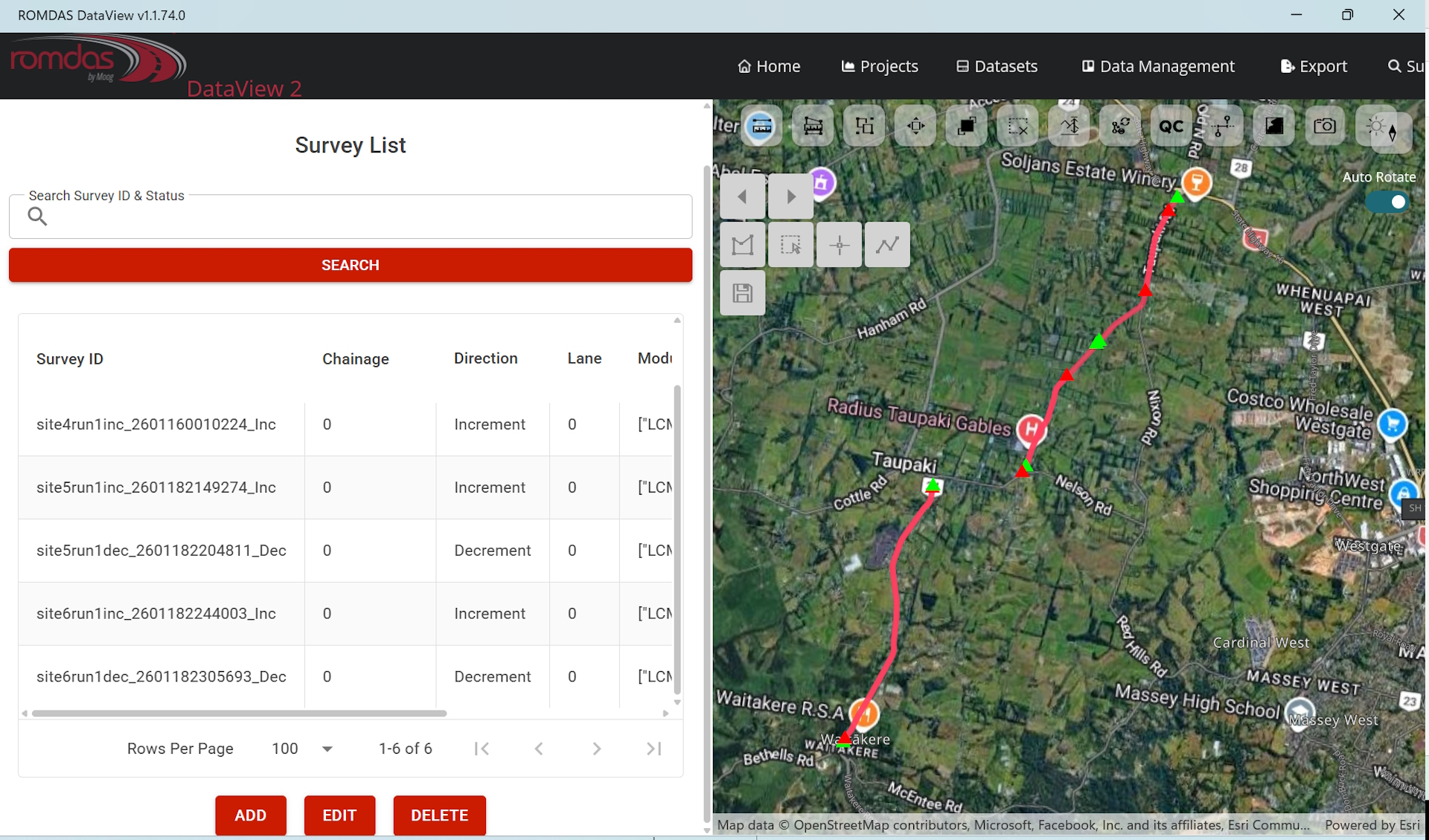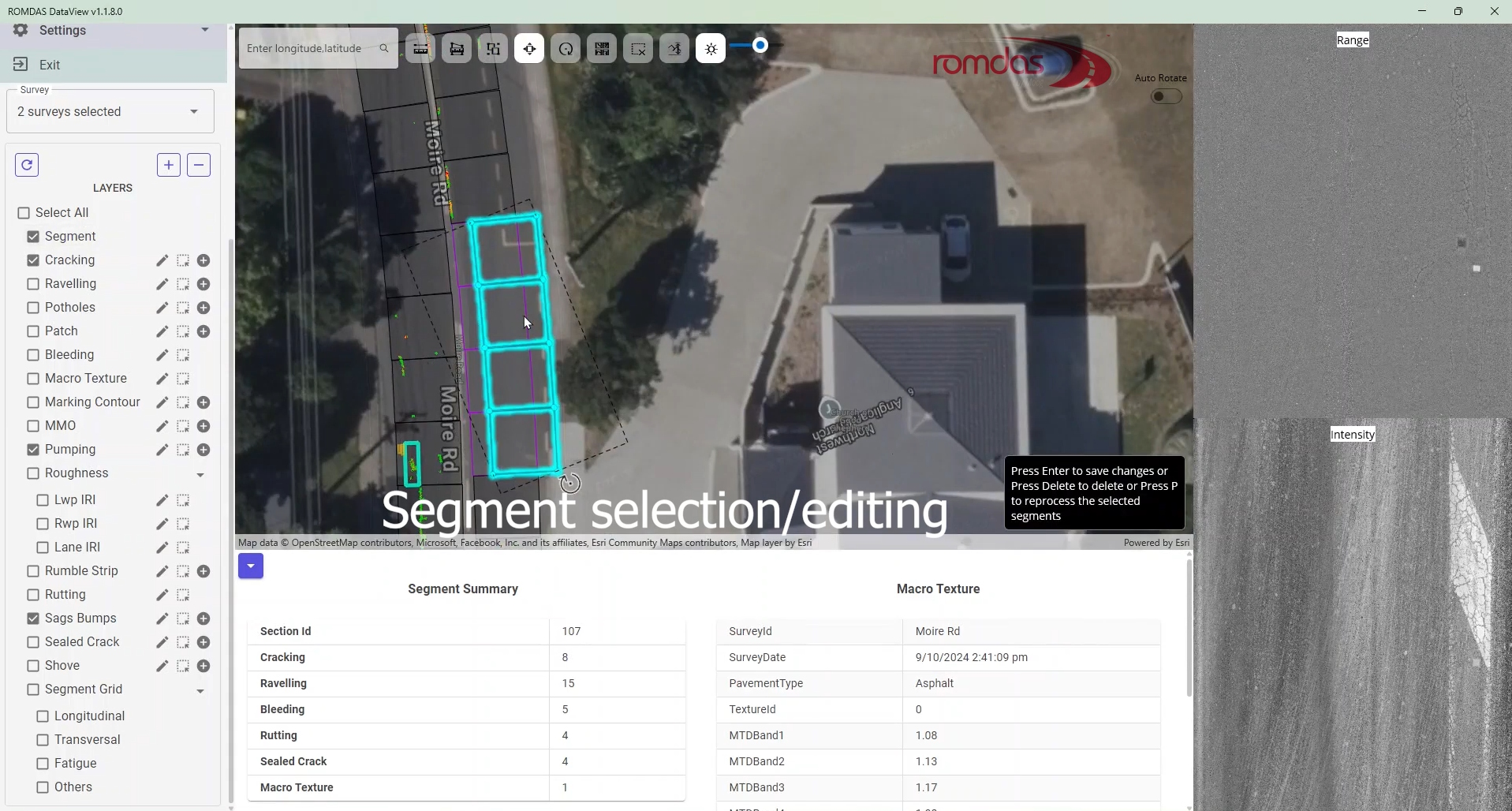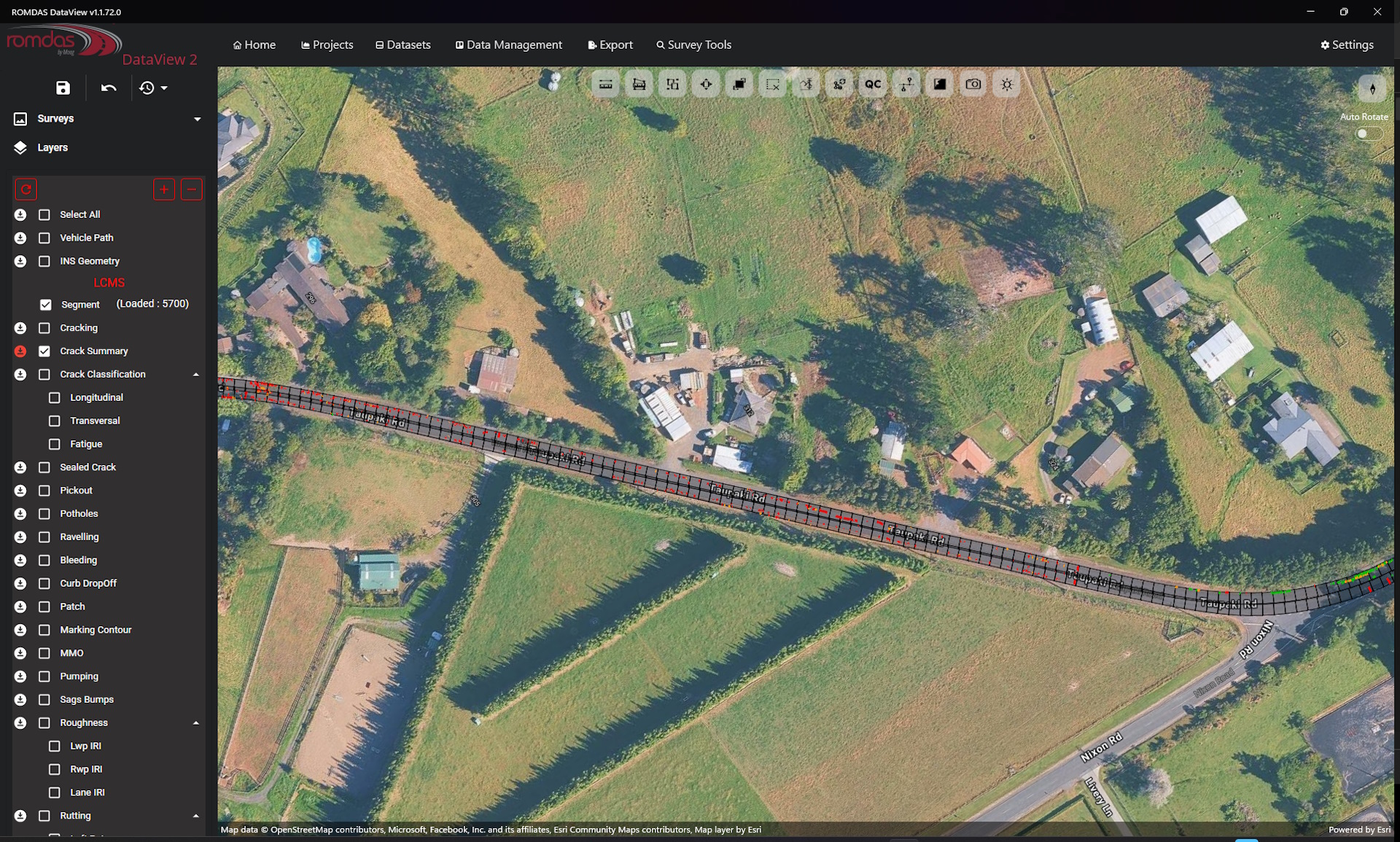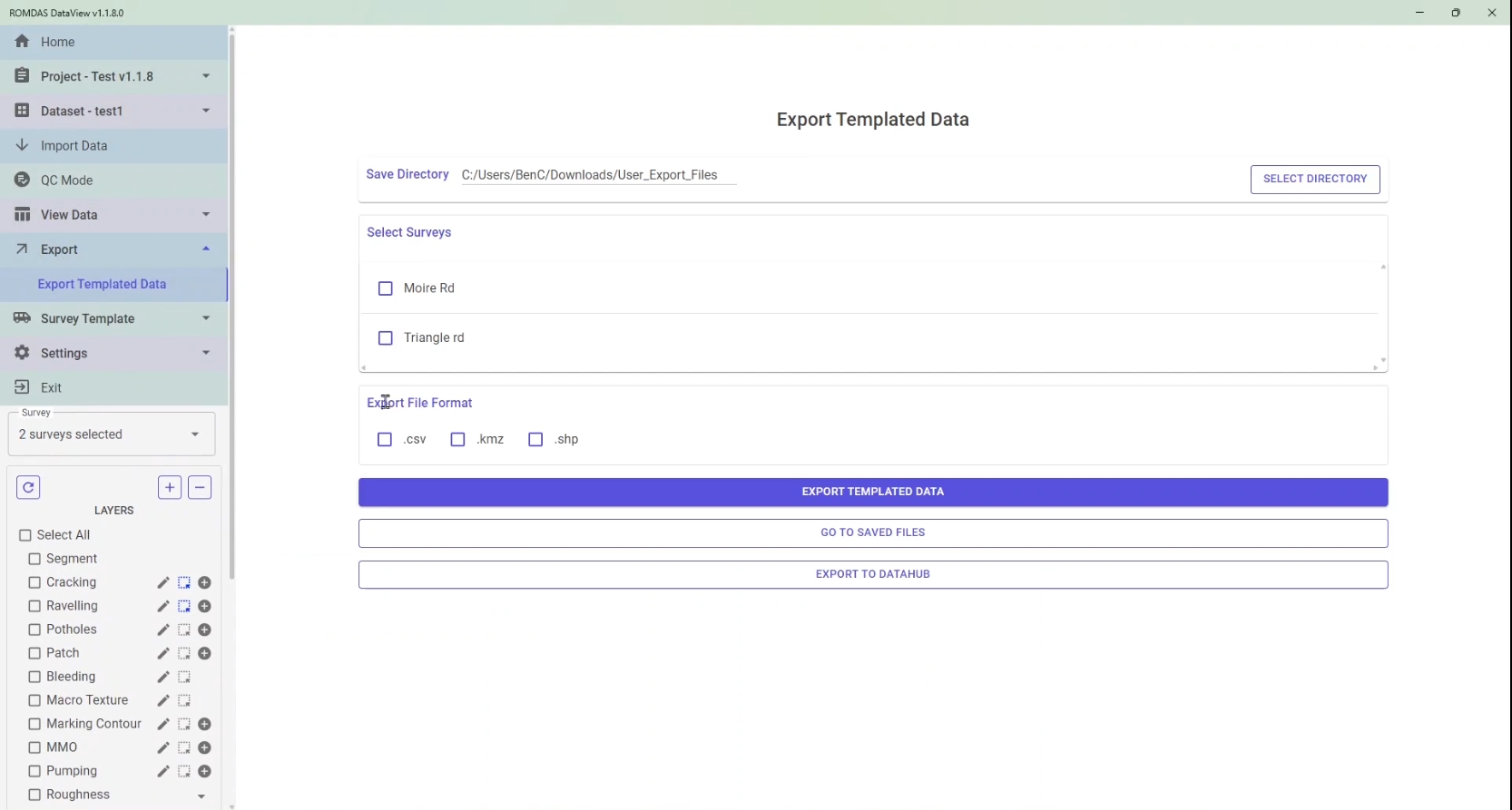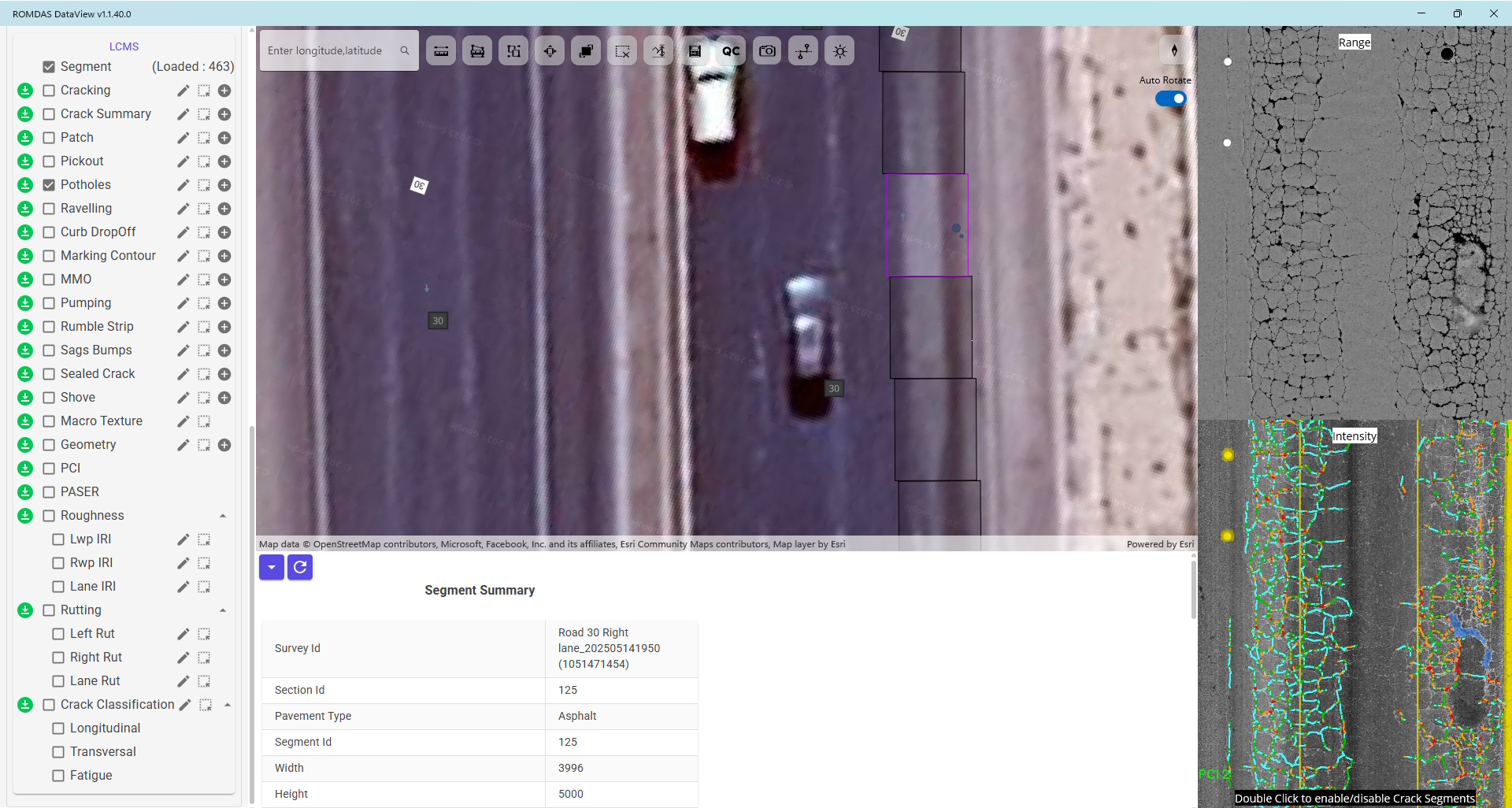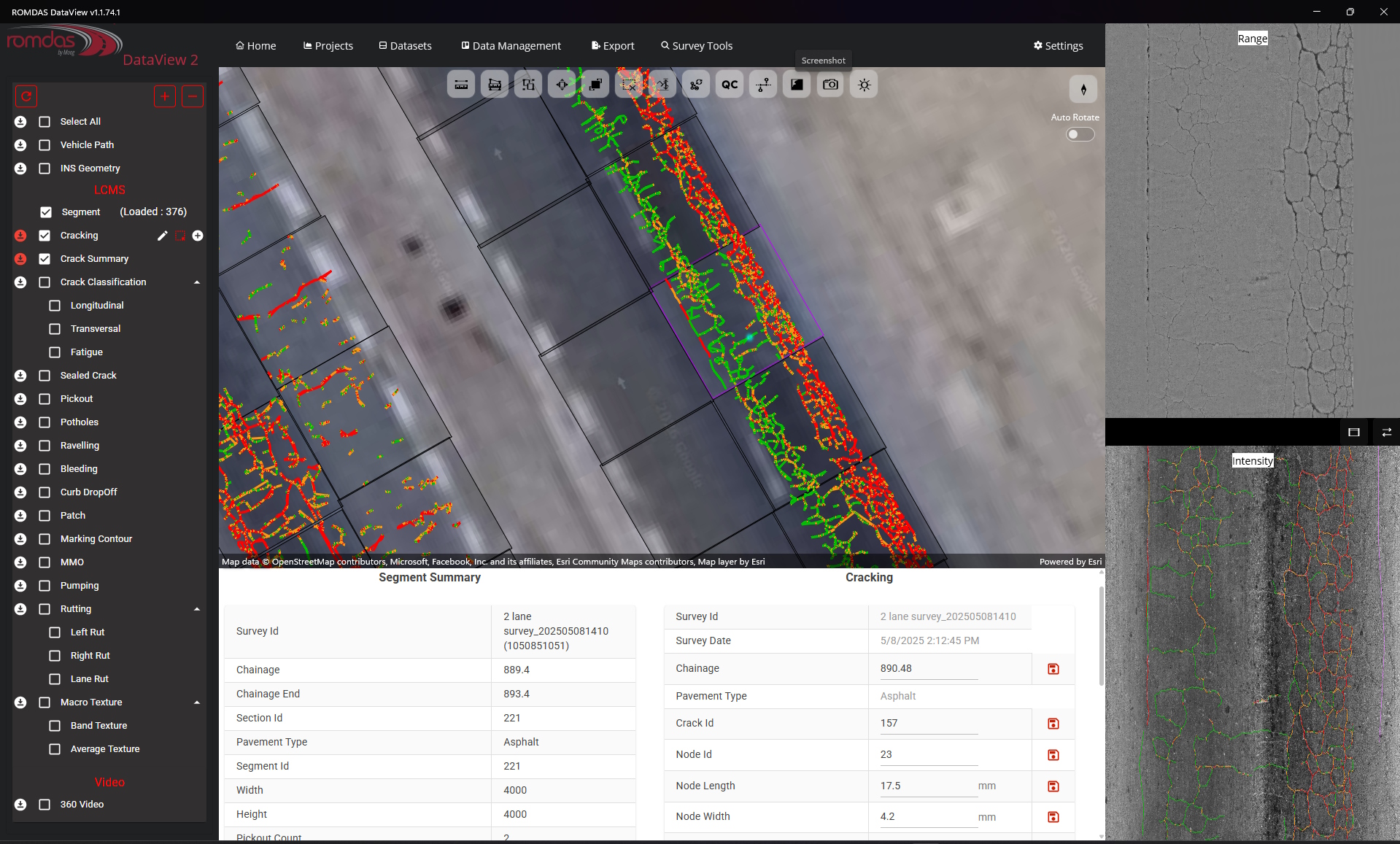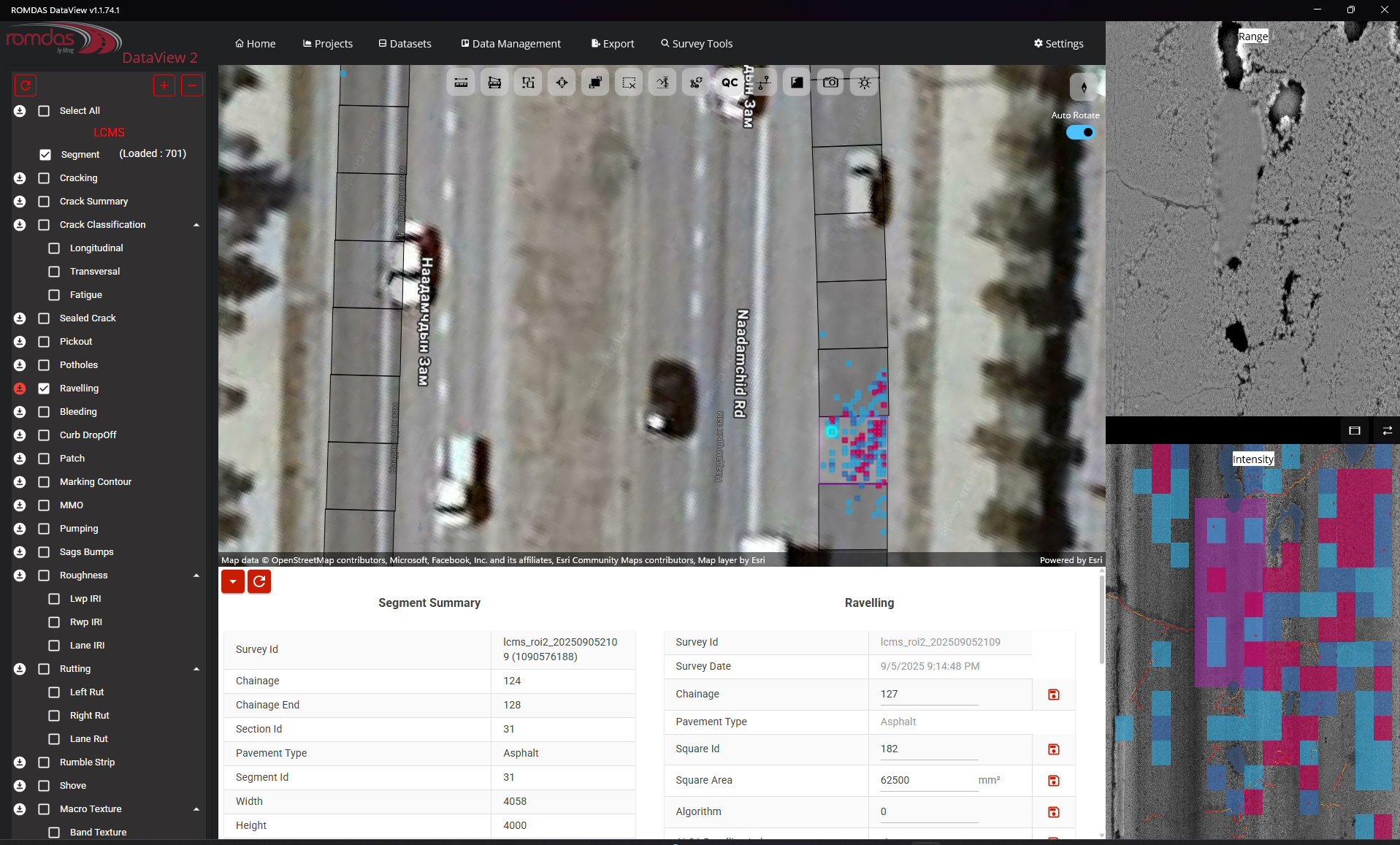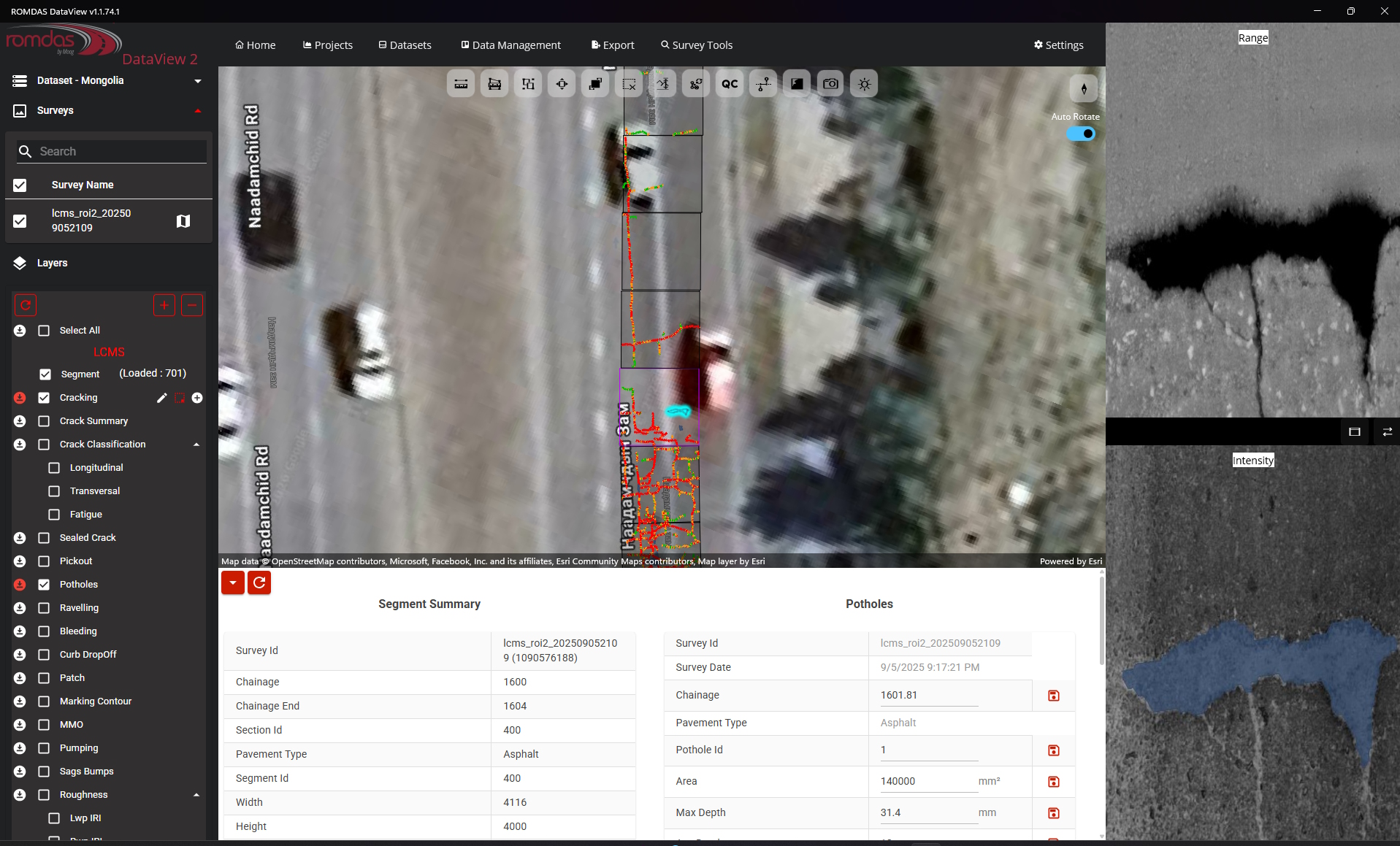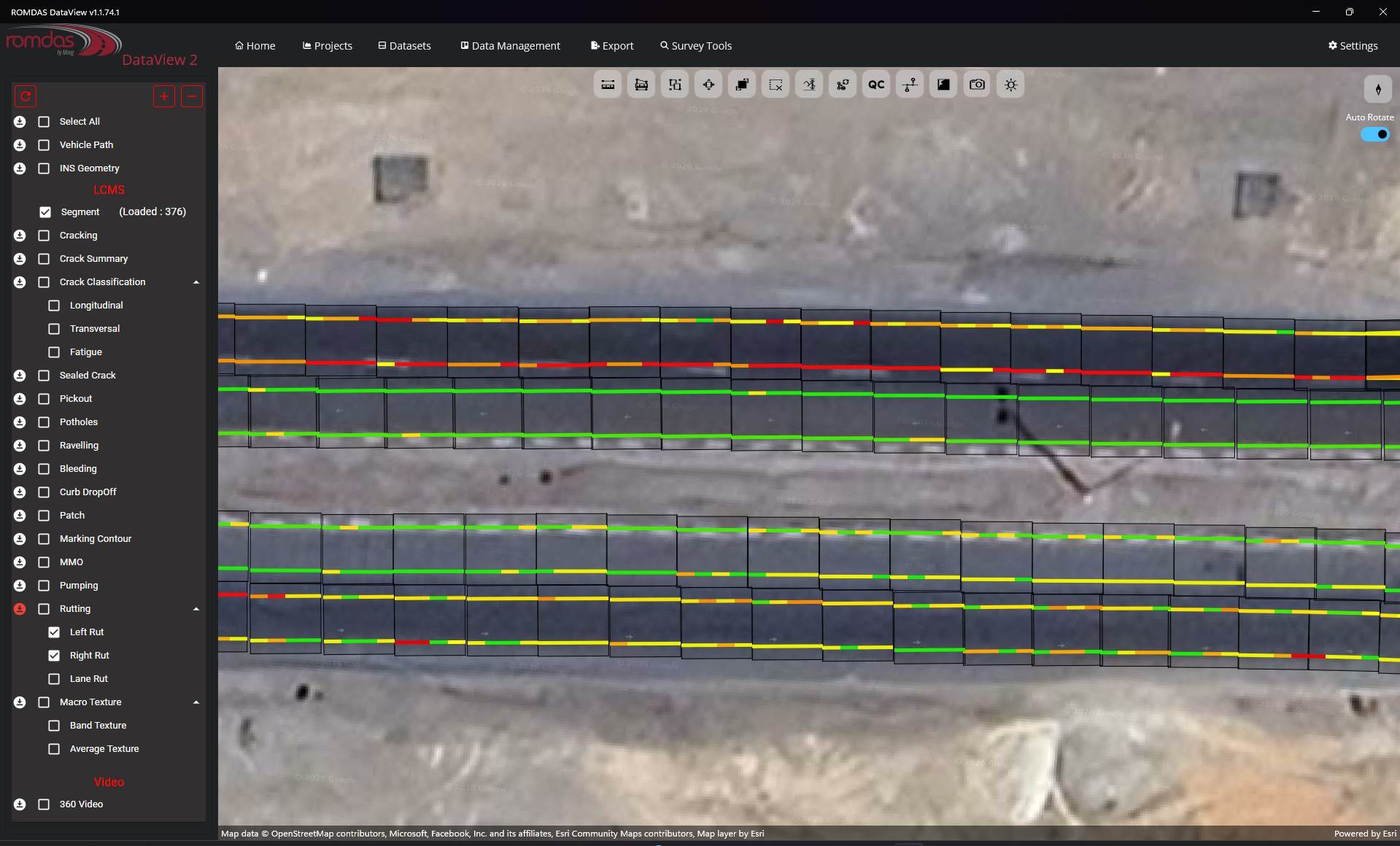

An advanced data integration and post-processing software, DataView is a versatile tool for ROMDAS equipment users. Engineers and survey managers responsible for managing and processing road data can especially take advantage to present numerical information into visual reports.
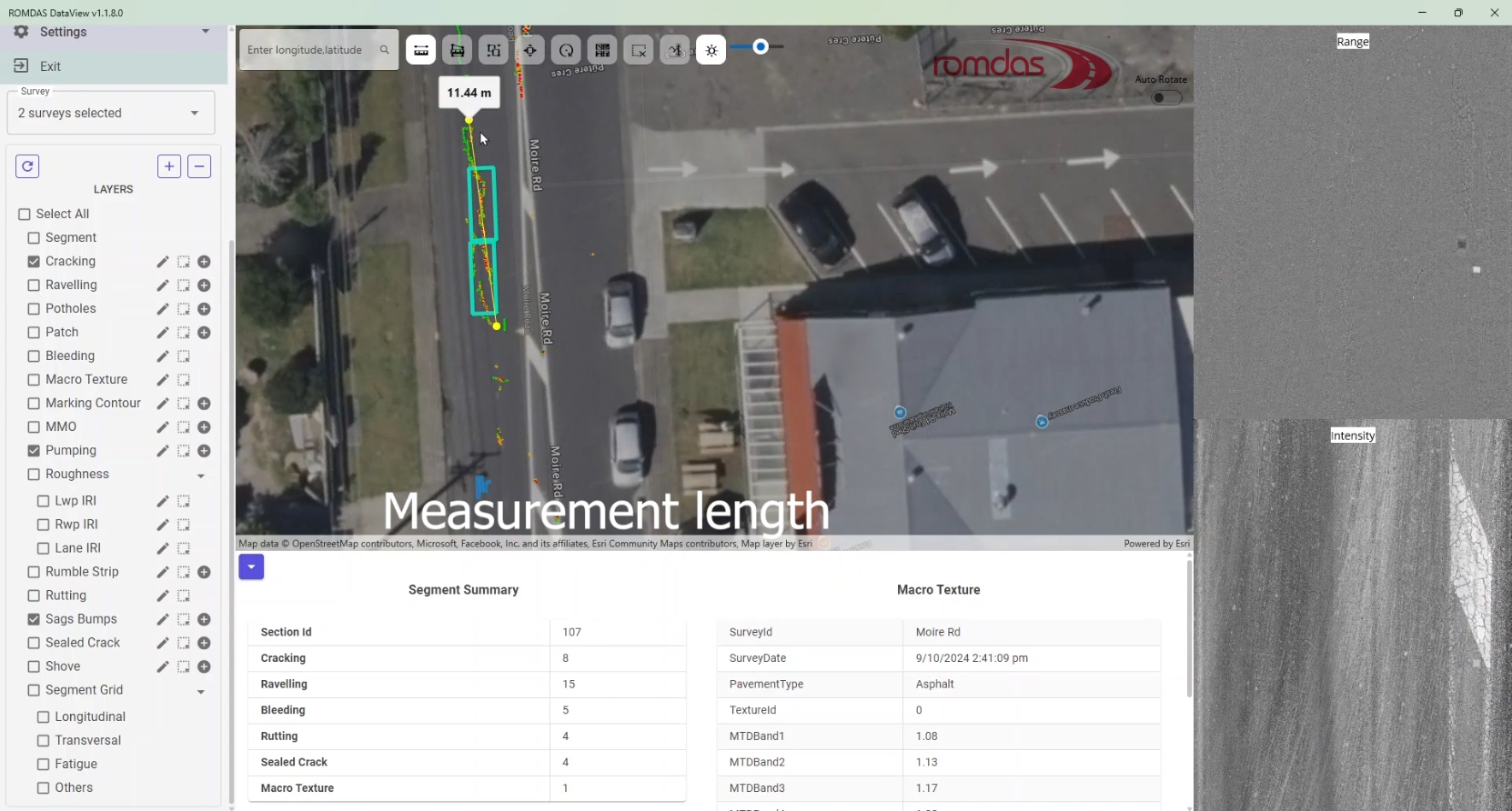
DataView integrates individual survey files into a single central database. It helps to present data in user defined graphs, charts and maps. All data is linked using the chainage (distance) information and/or the GPS positions. This linking helps to track between graphed data, GIS map and digital video images.
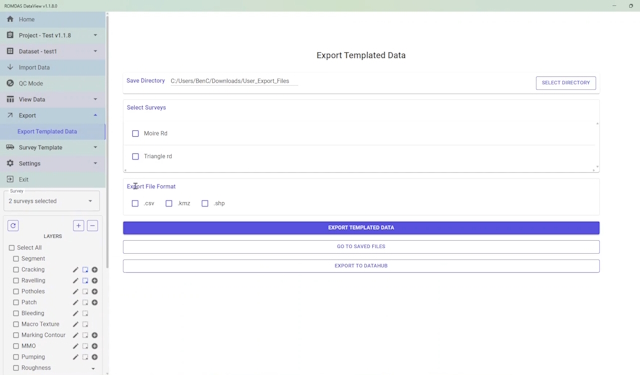
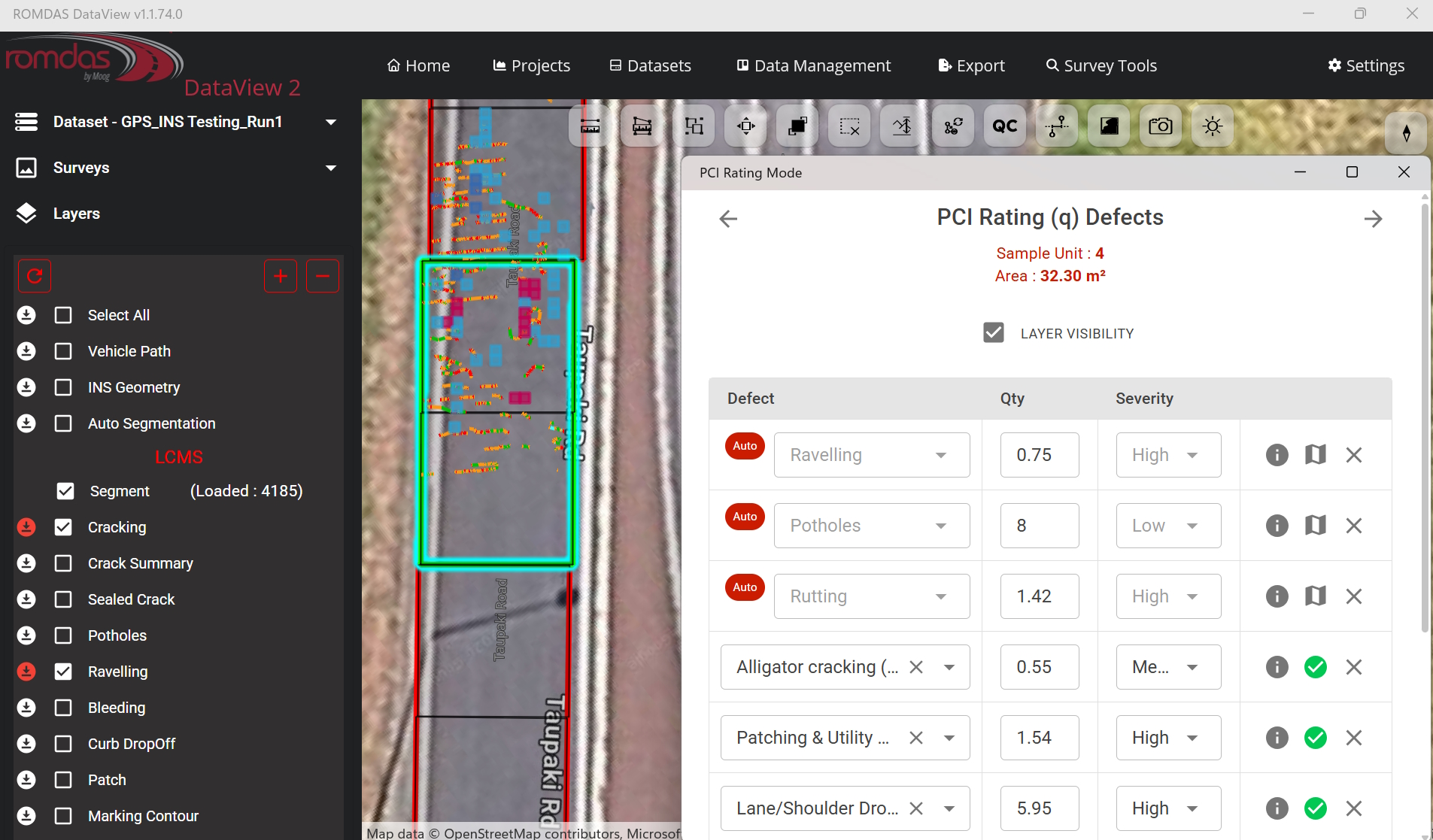
DataView software is an essential Quality Assurance (QA) tool which allows users to simultaneously view linked videos, GIS maps and strip maps, and check data for quality and accuracy. The post processing software can convert raw GPS referenced data into GIS map layers that can be easily exported to GIS mapping software like ArcGIS, Google Earth, or other 3rd party software.
With enhanced look and functionality for all features, DataView software has been improved to now include a step-by-step logic module for easy data processing. This results in a professional, user-friendly and informative way of presenting your survey data.
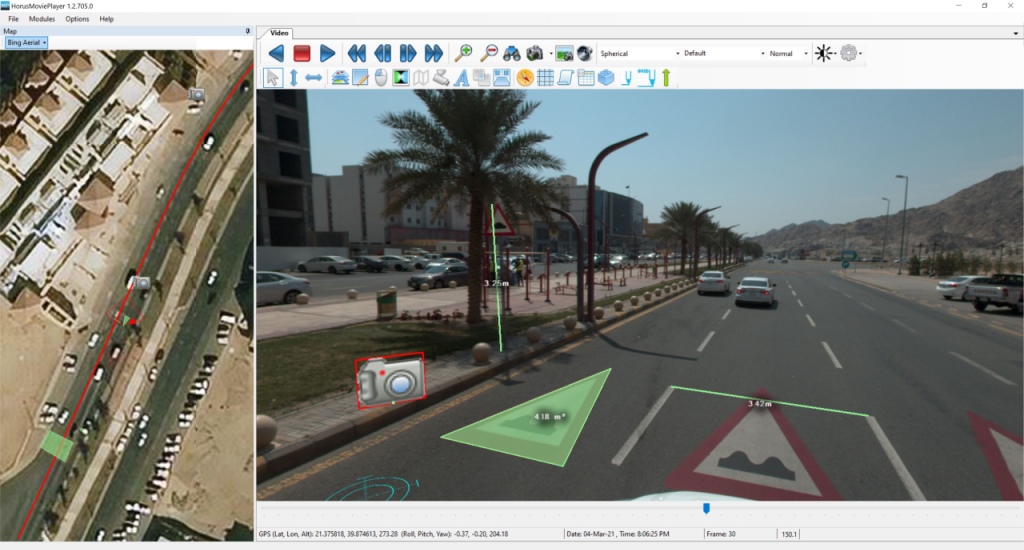
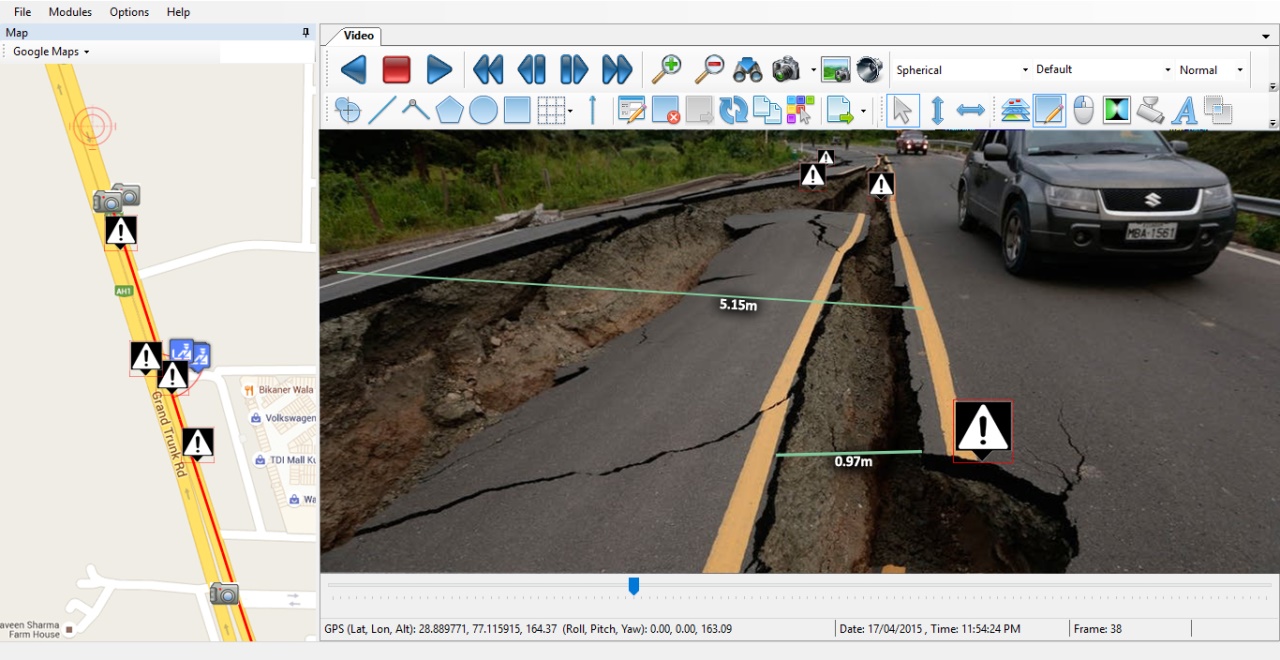
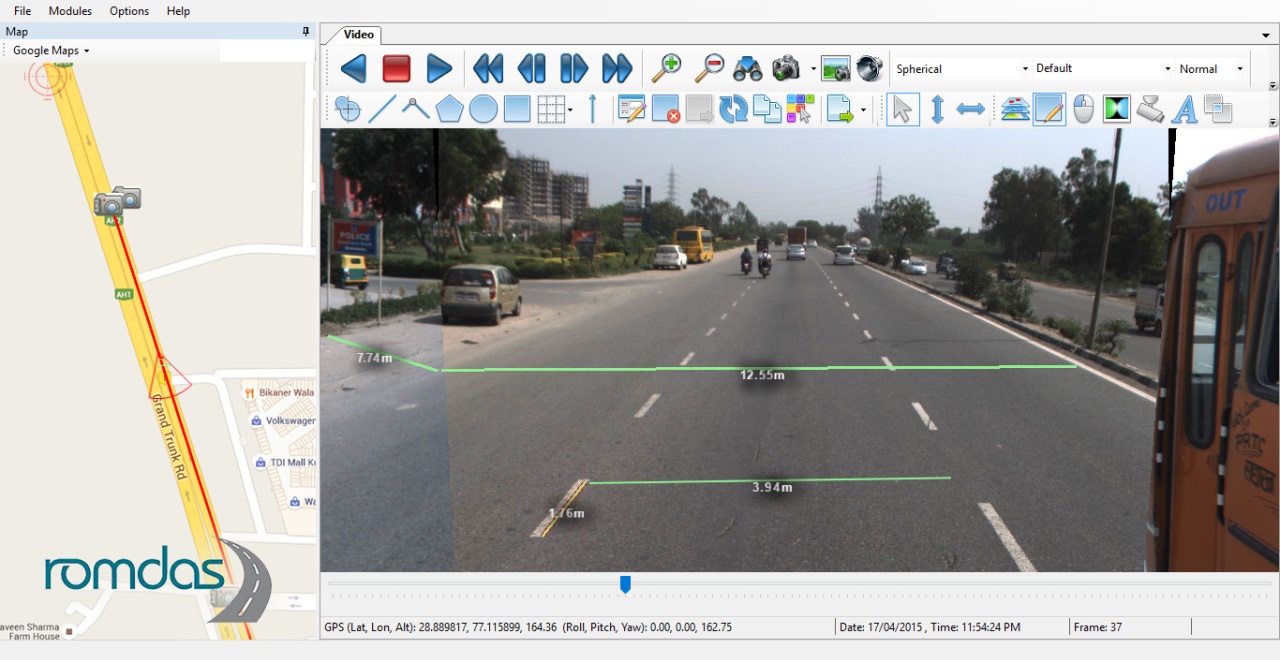
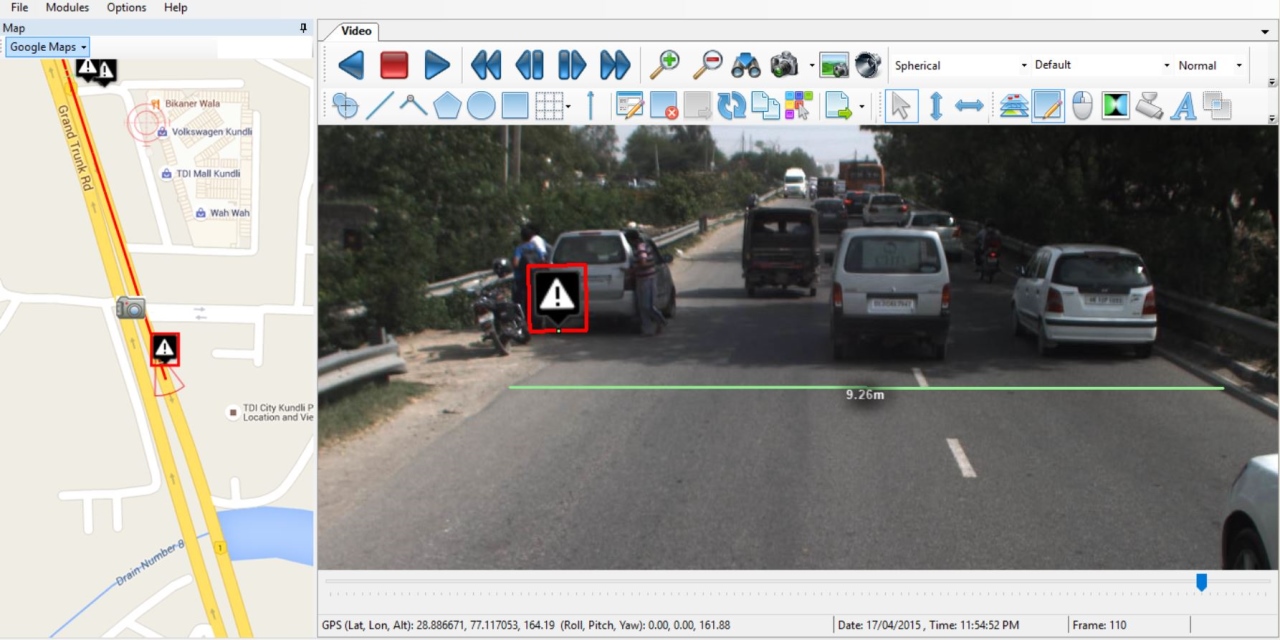
DataView allows for accurate and easy post-processing of video surveys using rating keycodes. With rating keycodes, you can create custom lists of events, conditions and pre-defined comments giving you the flexibility to use these custom lists for any project. By performing inventory or condition assessments directly from videos in the office, it reduces pressure on survey operators. It also increases the overall accuracy and volume of information that can be recorded.
The video rating feature includes the ability to view multiple cameras and tools to easily zoom, navigate, play and save images for visual cataloguing of important events. You can measure lengths and areas of surface defects directly from pavement view images, transforming the video record into quantifiable data for use by asset management systems and developing forward work plans.
Project managers can simultaneously review GIS maps, videos and condition data to enhance their quality control process. By quickly navigating to sections with unexpected results supervisors can often explain the reason for anomalies without the need for site visits or unnecessary repeat surveys.
Present all collected data in user defined graphs, charts and maps with an integrated central database of all the individual survey files. With all survey data being linked with chainage (distance) and/or GPS positions, you can also easily track between graphed data, GIS maps and digital video images.